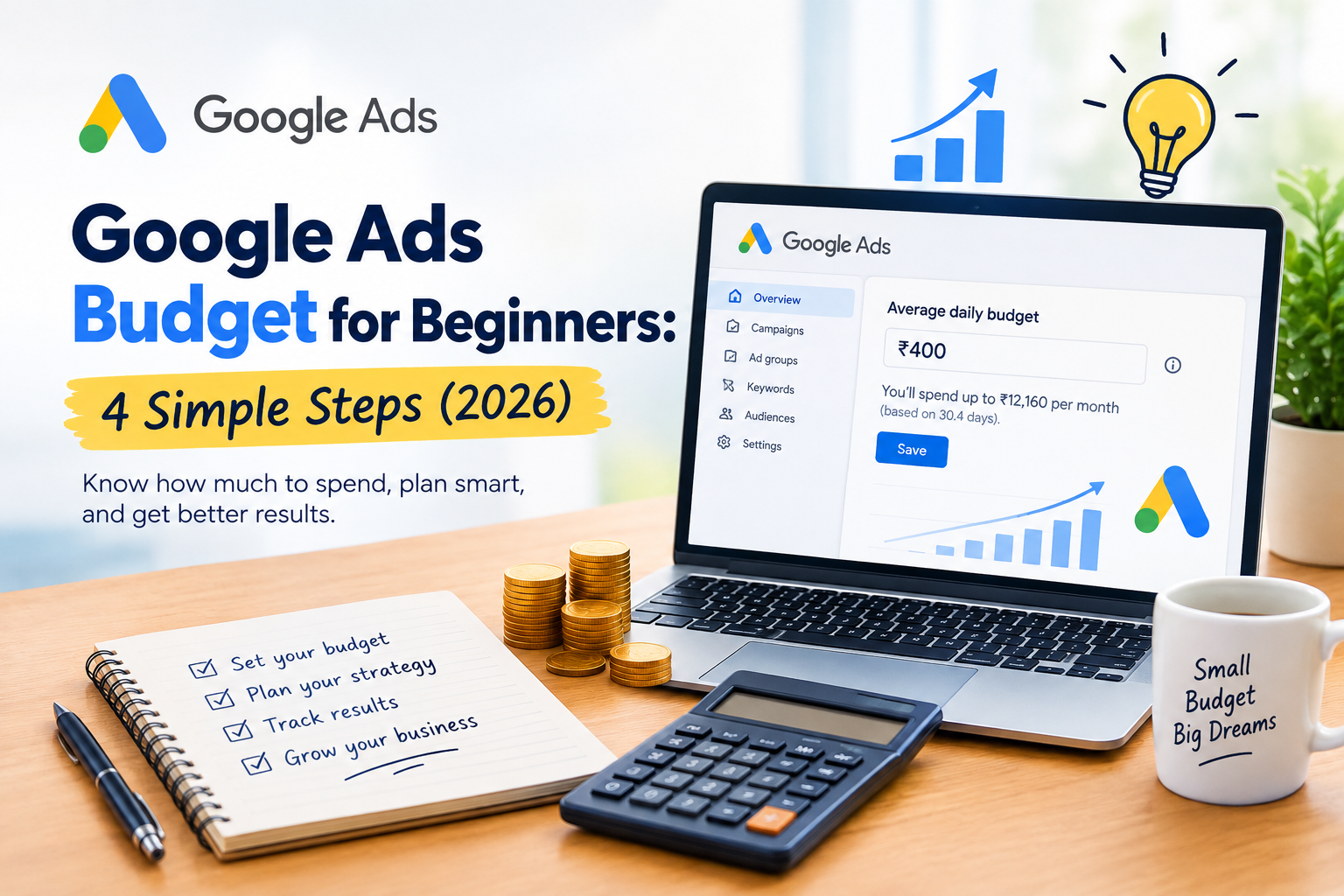
If you are asking how much your Google Ads budget should be, here is a simple answer: most beginners in India can start with a test budget of around ₹300 to ₹500 per day for 30 days, which is about ₹9,000 to ₹15,000 a month. You can start smaller, but very small budgets collect data slowly and make it harder to learn what works.
The right number depends on your industry, your city, your competition, and how much a new customer is worth to you. In this guide, you will learn how a Google Ads budget works, how to calculate your own number with a simple formula, and how to avoid wasting money in your first month. It is written for small business owners in Indore, Ratlam, and across India.
What Is a Google Ads Budget?
Your Google Ads budget is the amount of money you are willing to spend on your ads. Google Ads is a pay-per-click (PPC) platform, which means you pay when someone clicks on your ad, not when your ad is simply shown.
You do not pay Google a fixed fee to run ads. You decide your Google Ads budget, and Google shows your ads until that amount is used up. That is why you stay in control of your spending.
How Your Google Ads Budget Works
When you create a campaign, you set an average daily budget. Here is what that means in simple terms:
- Daily budget: The average amount you are happy to spend each day.
- Some days cost more: On days with more searches, Google may spend more than your daily budget, and on slow days it may spend less.
- Monthly limit: Over a full month, Google does not charge you more than your daily budget multiplied by the average number of days in a month (about 30.4).
For example, if your daily budget is ₹400, you can expect to spend up to about ₹12,160 in a month. You can read the official details in the Google Ads Help Center.
You can pause your campaign or change your budget at any time, so you are never locked in.
What Affects Your Google Ads Budget?
Two businesses can need very different amounts for the same results. These are the main factors:
- Competition: If many businesses bid on the same keywords, each click costs more. Fields like real estate, education, and healthcare are usually more competitive.
- Location: Costs often differ between big metro cities and smaller cities.
- Keywords: Broad and popular keywords usually cost more than specific, long keywords.
- Ad quality: Clear ads that match what people search for can lower your cost per click over time.
- Your website or landing page: A page that loads fast and is easy to use turns more clicks into inquiries.
- Season: Festivals, admissions, and wedding seasons can raise competition and costs.
Because costs change, treat every number in this guide as a starting point, not a promise. Your own data will tell you the real figure.
Google Ads Budget for Beginners: 4 Simple Steps to Decide Your Number
Step 1: Know What a Customer Is Worth to You
Start with your business, not with Google. Ask yourself: how much profit do I make from one new customer? If a customer brings you ₹3,000 in profit, you can afford to spend more to get them than if they bring you ₹300.
Step 2: Use This Simple Formula
Here is an easy way to estimate your Google Ads budget:
Monthly budget = Number of customers you want × Cost to get one customer
To find the cost per customer, you need three rough numbers: your cost per click, how many clicks turn into inquiries, and how many inquiries turn into customers.
Example (illustrative numbers only):
- Cost per click: ₹15
- 1 in 10 clicks becomes an inquiry, so one inquiry costs ₹150.
- 1 in 5 inquiries becomes a customer, so one customer costs ₹750.
- You want 10 new customers a month, so your monthly Google Ads budget is ₹7,500.
If you do not know your own numbers yet, that is normal. Use the next step to find them.
Step 3: Start Small and Test for 30 Days
For your first month, treat your Google Ads budget as a learning budget. Set a daily amount you are comfortable losing, run your ads for about 30 days, and track every inquiry. After a month you will know your real cost per click, cost per inquiry, and cost per customer.
Step 4: Review and Adjust Every Week
Check your results every week. Pause keywords that spend money without giving inquiries. Put more budget into the ads that work. This slow, steady approach protects your money and improves your results.
Sample Google Ads Budgets by Business Type
These are only starting ideas for a one-month test. Your real numbers depend on your city, competition, and keywords.
| Business type | Starting daily budget | Approx. monthly budget |
|---|---|---|
| Local service (salon, repair, clinic) | ₹300 to ₹500 | ₹9,000 to ₹15,000 |
| Coaching or training institute | ₹500 to ₹1,000 | ₹15,000 to ₹30,000 |
| Restaurant or bakery | ₹200 to ₹400 | ₹6,000 to ₹12,000 |
| Online store | ₹500 to ₹1,500 | ₹15,000 to ₹45,000 |
| Freelancer or service provider | ₹300 to ₹600 | ₹9,000 to ₹18,000 |
If your budget is lower than these ranges, you can still start. Just focus on one service, one city, and a few very specific keywords, so your small Google Ads budget is not spread too thin.
How to Make Your Google Ads Budget Work Harder
You can get better results without spending more by following these tips:
- Target a small area. Show ads only in the cities you serve, such as Indore or Ratlam.
- Choose specific keywords. “Wedding photographer in Indore” is better than just “photographer.” You can research ideas with the free Google Keyword Planner.
- Add negative keywords. These stop your ads from showing for searches that do not suit you, such as “free” or “jobs.”
- Write clear ads. Mention your service, location, and a simple call to action.
- Send people to the right page. A page made for one service converts better than a general home page.
- Track conversions. Measure calls, WhatsApp clicks, and form fills so you know what your Google Ads budget is actually bringing in.
- Run ads at the right time. If you only answer calls from 10 AM to 7 PM, show ads during those hours.
Common Google Ads Budget Mistakes Beginners Make
- Starting with no goal. If you do not know what a customer is worth, you cannot set a sensible budget.
- Spending too little to learn anything. A tiny budget may not get enough clicks to show what works.
- Spending too much too early. Do not put in a big amount before you test.
- Using broad keywords. They can use up your budget on people who will never buy.
- Ignoring the landing page. A slow or confusing page wastes the clicks you paid for.
- Not tracking inquiries. Without tracking, you cannot tell if ads are working.
- Judging results too early. Give a campaign at least a few weeks before making big decisions.
Which Campaign Type Should Beginners Choose?
Google Ads has several campaign types, and your choice affects how your Google Ads budget is used:
- Search campaigns: Your text ads appear when people search on Google. This is usually the best place for beginners, because people are already looking for what you offer.
- Display campaigns: Your banner ads appear on websites and apps. They are useful for awareness, but they usually bring fewer ready-to-buy customers.
- YouTube campaigns: Your video ads appear on YouTube. They are good for building brand recognition when you have video content.
- Performance Max: An automated campaign type that uses many Google channels. It works best when you already have conversion data and good creatives.
For your first month, a single search campaign with a clear goal is the safest way to use a small Google Ads budget. Once you understand your results, you can try other types.
A Simple 30-Day Plan for Your First Google Ads Budget
If you are starting from zero, follow this simple plan so you spend wisely and learn quickly.
- Week 1: Set up and launch. Choose one service, one city, and 10 to 15 specific keywords. Write two or three ads. Set conversion tracking for calls and form fills.
- Week 2: Watch and clean. Look at the search terms people used to find you. Add negative keywords for anything irrelevant.
- Week 3: Improve. Pause keywords that spend money without results. Improve the ad text that gets the most clicks.
- Week 4: Decide. Calculate your cost per inquiry and cost per customer. Decide whether to keep, increase, or change your budget.
At the end of 30 days, you will not just have a number; you will have your own data. This is far more valuable than any online guess about what your ideal Google Ads budget should be.
How Much Does Google Ads Cost in India?
Many people ask for an exact price, but Google Ads does not have a fixed rate. You pay for clicks, and the cost of each click is decided by an auction. This means the cost can change by keyword, city, time of year, and competition.
That is why the smartest way to plan is to run a small test, measure your own cost per click and cost per inquiry, and then scale up. Never rely only on average numbers from other businesses, because their goals and competition may be very different from yours.
Ad Spend vs Management Fee: Do Not Mix Them Up
Your Google Ads budget is the money that goes to Google for clicks. If you hire a freelancer or an agency to run your ads, they usually charge a separate management fee for their work. Always ask how the two are shown, so you know exactly how much of your money is going into ads.
If you want expert help, you can explore our Google Ads and PPC service.
When Should You Increase Your Google Ads Budget?
Increase your budget slowly when you see clear signs that your ads are working:
- You are getting inquiries at a cost you can afford.
- Your cost per inquiry is steady or going down.
- Your campaign is limited by budget, which means it stops showing early in the day.
- You have the time and capacity to handle more customers.
A good habit is to raise the budget by around 10 to 20 percent at a time, then watch the results for a week or two before raising it again.
Google Ads, SEO, and Your Website: How They Work Together
Google Ads gives you quick results, but it stops as soon as you stop paying. For long-term growth, combine it with free methods. Your Google Business Profile helps you appear on Maps, local SEO brings steady traffic, and SEO builds your visibility over time.
Ads also need a good place to send people, so make sure your business website is ready first. Not sure whether Google or Facebook ads suit you better? Read our guide on Google Ads vs Meta Ads. If you are new to all of this, start with digital marketing for beginners.
You can also learn more for free through Google Skillshop, which offers official training on Google Ads.
Frequently Asked Questions About Google Ads Budget
What is the minimum Google Ads budget?
You can choose a small daily amount, and Google lets you set your own budget. But a very low Google Ads budget gives you less data, so most beginners do better with at least a few hundred rupees per day for a one-month test.
Is the Google Ads budget daily or monthly?
You set an average daily budget. Over a month, Google will not charge more than your daily budget times about 30.4 days.
How much does one click cost?
It depends on your industry, location, keywords and competition. It can be a few rupees for some searches and much higher for competitive ones. Your campaign will show your real cost per click after it starts.
How long does it take to see results?
You can start getting clicks within hours or days, but it usually takes a few weeks to understand what is working and to improve your results.
Is Google Ads worth it for a small business?
It can be, especially when people search for your service and you can turn enquiries into customers. Start with a small test, track results and decide based on your own numbers.
Can I stop my ads anytime?
Yes. You can pause campaigns or change your Google Ads budget whenever you want.
Conclusion
The best Google Ads budget is one you can afford to test and learn from. Know what a customer is worth, use the simple formula to estimate your number, start with a 30-day test, and review your results every week. Increase your spending slowly, only when your ads bring real enquiries.
If you would like help planning your ads, setting your budget or creating campaigns that bring real customers, we are here to help. Creative Nest helps small businesses grow with Google Ads, websites and digital marketing. Book a free consultation and let’s plan your campaign together.
Leave a Reply